More ways to capture
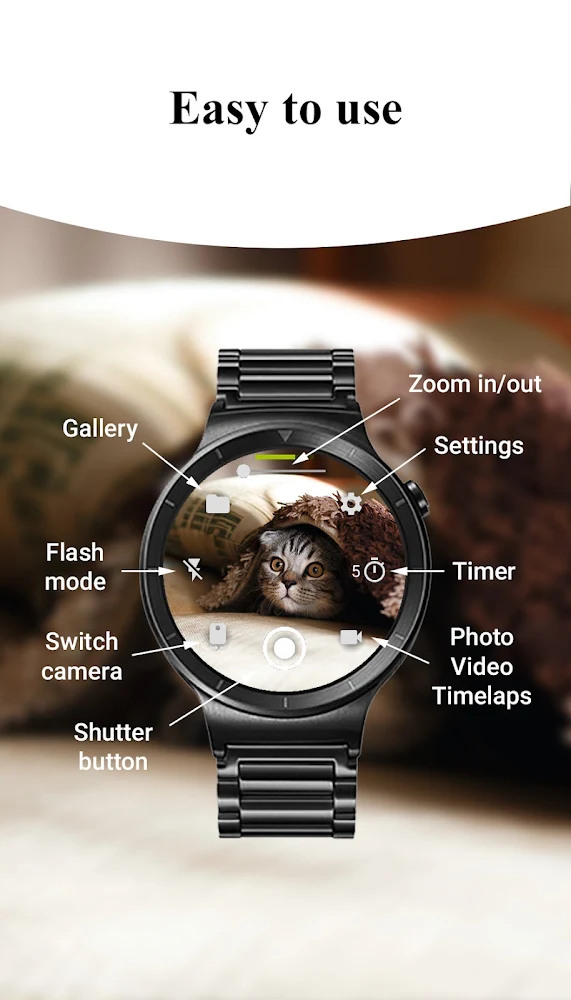
Take photos, record videos, or create timelapse sessions. Set a timer for your next shot.
Android phone + Wear OS watch
Your camera. On your wrist.
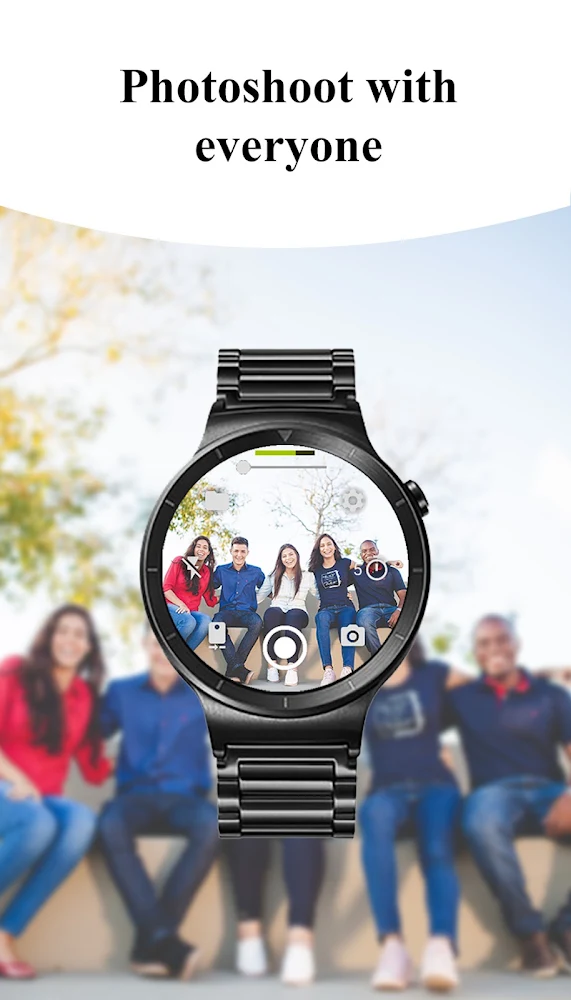
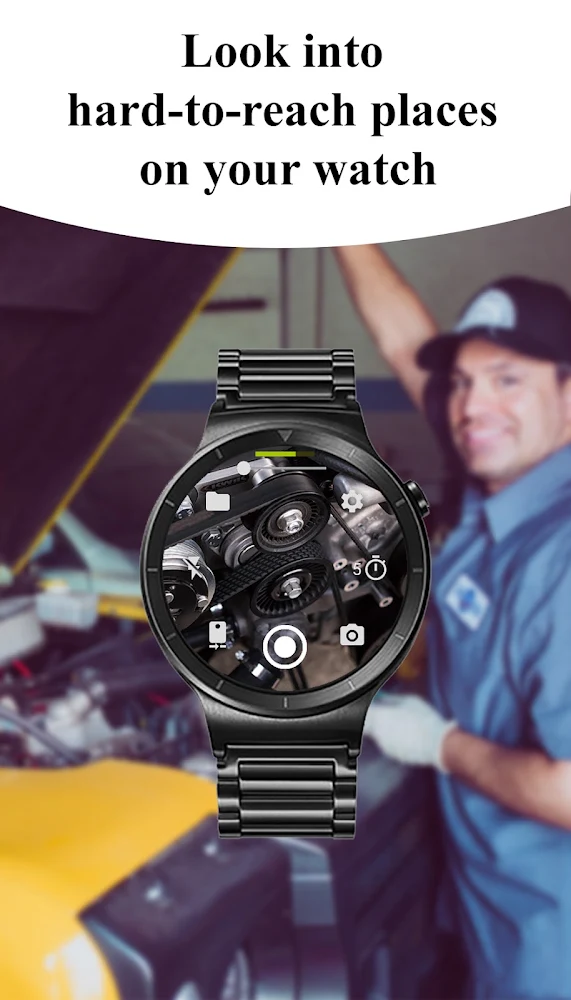
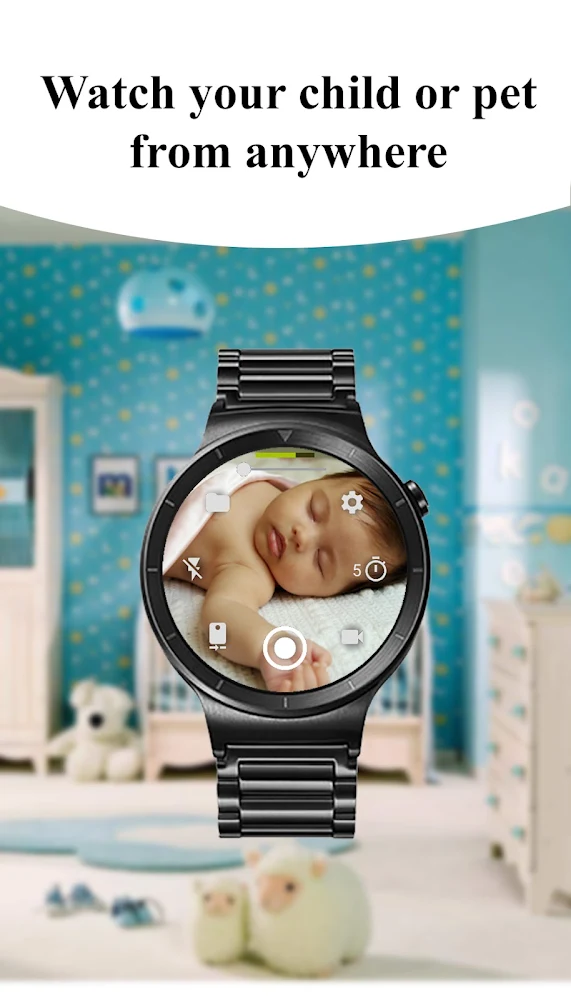
Get into the picture and control your phone camera from your Wear OS watch. Frame the shot on your wrist, then capture a photo, record a video, or start a timelapse.
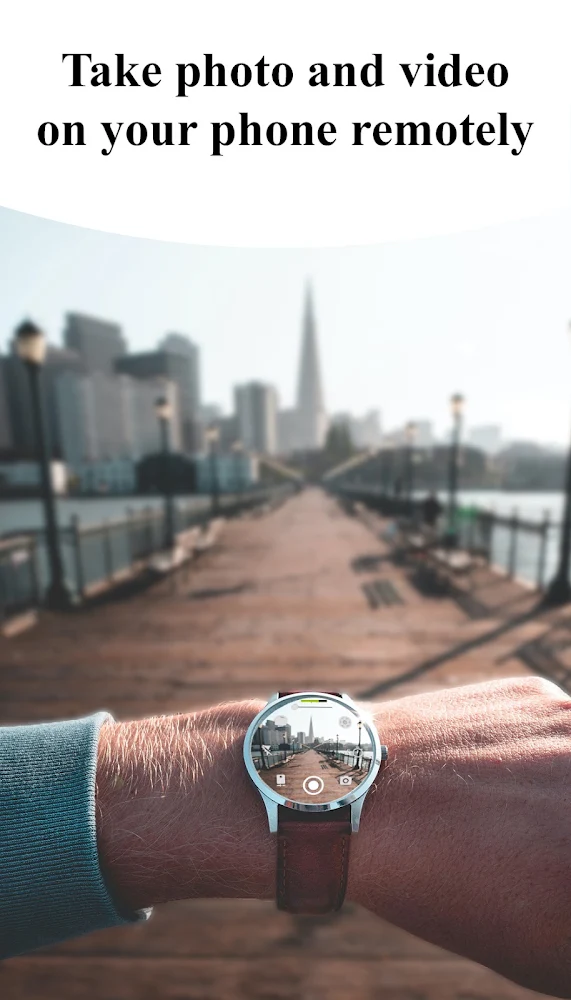
Take photos, record videos, or create timelapse sessions. Set a timer for your next shot.
Switch cameras, adjust zoom, and control the flash directly from your watch.
Use the camera preview and browse captured photos on your watch. Connect over Bluetooth or Wi-Fi.
Select a screenshot to view it full size.
Camera modes, lenses, resolution, and other features depend on your phone and watch. Advanced options such as 4K video and wide-angle capture require compatible hardware.